


Page 35 - Dart Language
P. 35
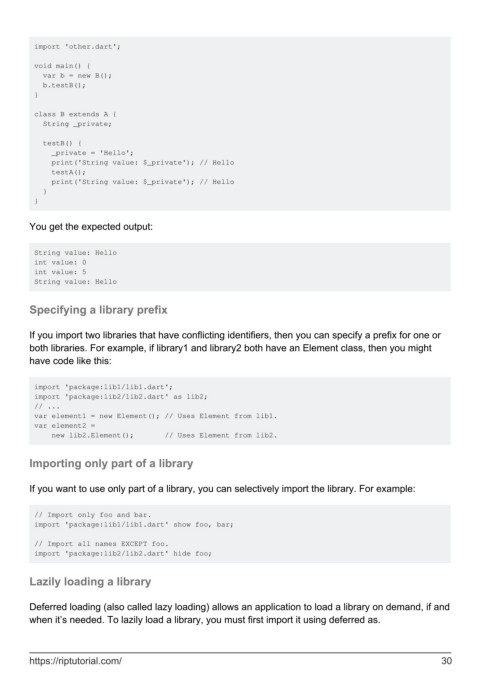
import 'other.dart';

         void main() {
           var b = new B();
           b.testB();
         }

         class B extends A {
           String _private;

           testB() {
             _private = 'Hello';
             print('String value: $_private'); // Hello
             testA();
             print('String value: $_private'); // Hello
           }
         }


        You get the expected output:


         String value: Hello
         int value: 0
         int value: 5
         String value: Hello


        Specifying a library prefix


        If you import two libraries that have conflicting identifiers, then you can specify a prefix for one or
        both libraries. For example, if library1 and library2 both have an Element class, then you might
        have code like this:


         import 'package:lib1/lib1.dart';
         import 'package:lib2/lib2.dart' as lib2;
         // ...
         var element1 = new Element(); // Uses Element from lib1.
         var element2 =
             new lib2.Element();       // Uses Element from lib2.


        Importing only part of a library


        If you want to use only part of a library, you can selectively import the library. For example:


         // Import only foo and bar.
         import 'package:lib1/lib1.dart' show foo, bar;

         // Import all names EXCEPT foo.
         import 'package:lib2/lib2.dart' hide foo;


        Lazily loading a library


        Deferred loading (also called lazy loading) allows an application to load a library on demand, if and
        when it’s needed. To lazily load a library, you must first import it using deferred as.


        https://riptutorial.com/                                                                               30

